See pimport working — on your own supplier feed
We open the feed you send us, map categories and your products appear in the store admin. No installation beforehand, nothing to pay for the call.
How it works, on screen
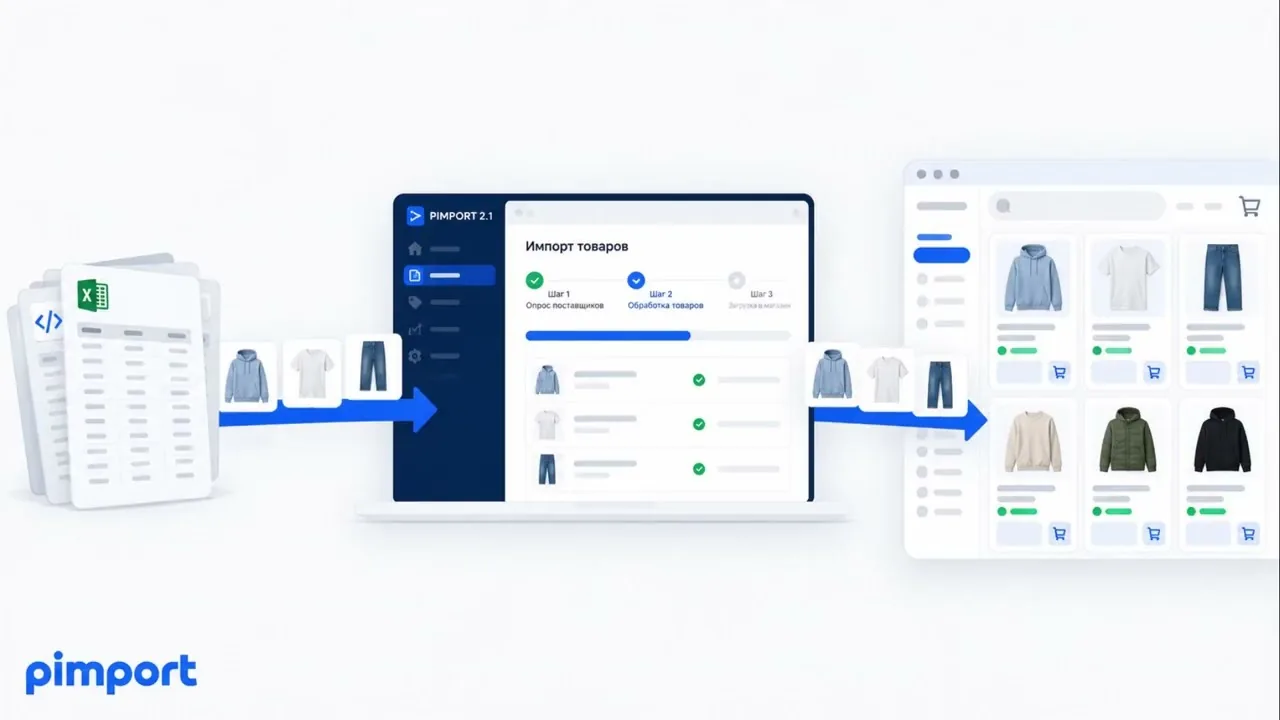
the player loads only when you press playA screen recording: a supplier feed on one side, products appearing in the store admin on the other.
What you see on the call
01
Your feed, not a sample
We read the supplier feed you send — with its real fields, categories and quirks.
02
Categories and markup
How supplier categories land on yours, and what the markup rules do to the prices.
03
Products in the admin
Twenty products with prices, stock and photos, in the admin of your platform.
04
Your questions
Schedule, hosting limits, what we set up and what stays with you.